“Design my home” leaves a lot of room for interpretation. “Change these walls to warm white and leave the furniture alone” gives you something you can actually check.
The editor's design Agent has tools for reading and changing the scene. We suggest beginning with one specific change, inspecting it, then deciding what to do next.
Open the room you want to work on
Copy the oak living room, or open an existing account scene. In the editor, choose Agent at the top right.
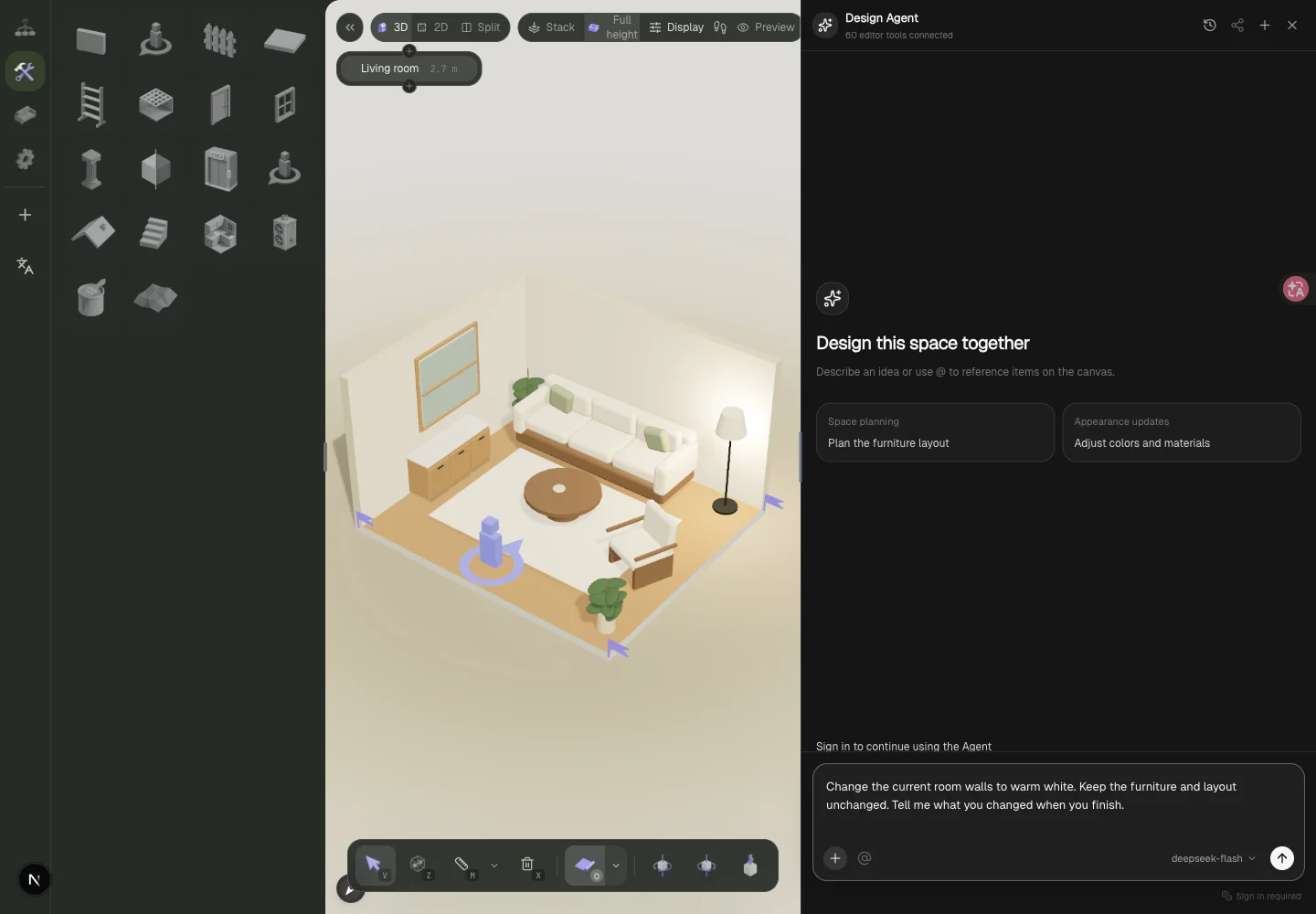
This screenshot shows where to enter a request. It is not a completed AI result. The request has not been submitted, and the panel asks you to sign in before continuing. Also check your credit balance and model status. If the panel says “Chat model is not configured,” the site needs a working model configuration before the assistant can run.
Name the target and what should stay
For a first request, try:
Change the current room's walls to warm white. Keep the furniture and layout unchanged. Tell me what you changed when you finish.
Afterwards, look at the actual walls and furniture positions. A completion message by itself does not tell you whether the intended result happened.
If the room has several similar objects, select the target on the canvas and use “Reference selected items,” or an @ reference in the input. Check the referenced item so that “this table” points to the right one.
Be specific about a layout question
Instead of “make it spacious,” start with an inspection request:
Check the route from the entrance to the sofa. Tell me which items might obstruct it. Do not move anything yet.
Read how the assistant understands the room before asking for changes. If you want a particular clearance, give a measured value and the location. An AI estimate does not replace measuring your room or checking the model.
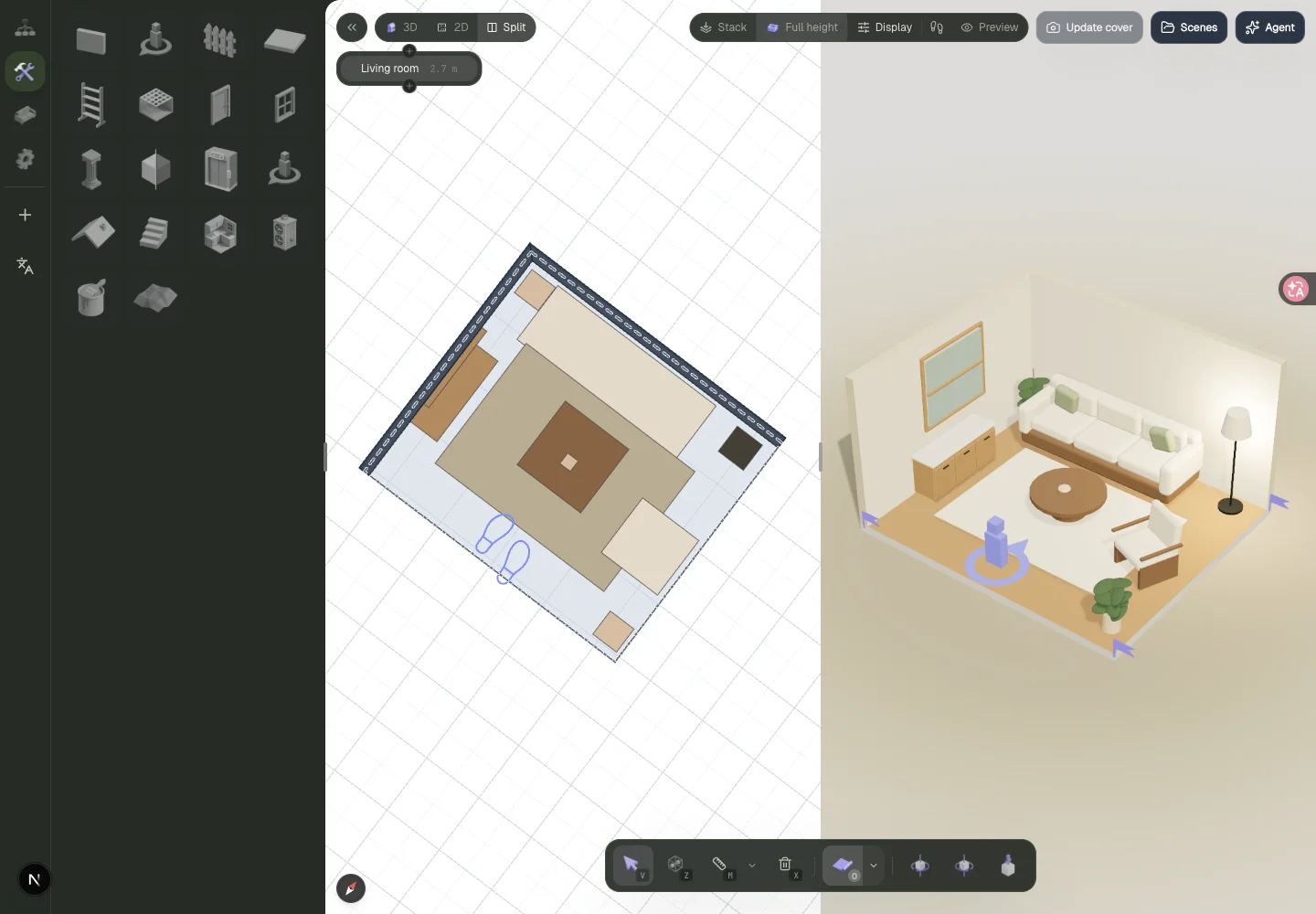
This image shows the template's original layout, not the result of the request above. Use Split in your own scene to inspect changes: footprints in plan, spatial relationships in 3D. The furniture-fit article goes into the checks.
Pause after a change
If a result looks wrong, inspect what changed before undoing it or adjusting it manually. Leaving the editor stops an active assistant task. On returning, you need to start it again yourself; inspect and save changes that already completed.
The Agent can help with editor operations and thinking through a layout. It cannot confirm that a furniture product is available to buy, or guarantee that a displayed colour matches a physical material. A good first session is one change you understand. If the workspace is unfamiliar, try your first room plan first.